Whether you're drowning in raw footage, manually clipping for each platform, or waiting on editors to repurpose one video—PodCut brings it all into one place.
Whether you're drowning in raw footage, manually clipping for each platform, or waiting on editors to repurpose one video—PodCut brings it all into one place.
One agency, unlimited clients. Separate teams, permissions, and social accounts per brand. Clients only ever see their own content.
02 | simplify feedback
Replace email feedback. Forever.
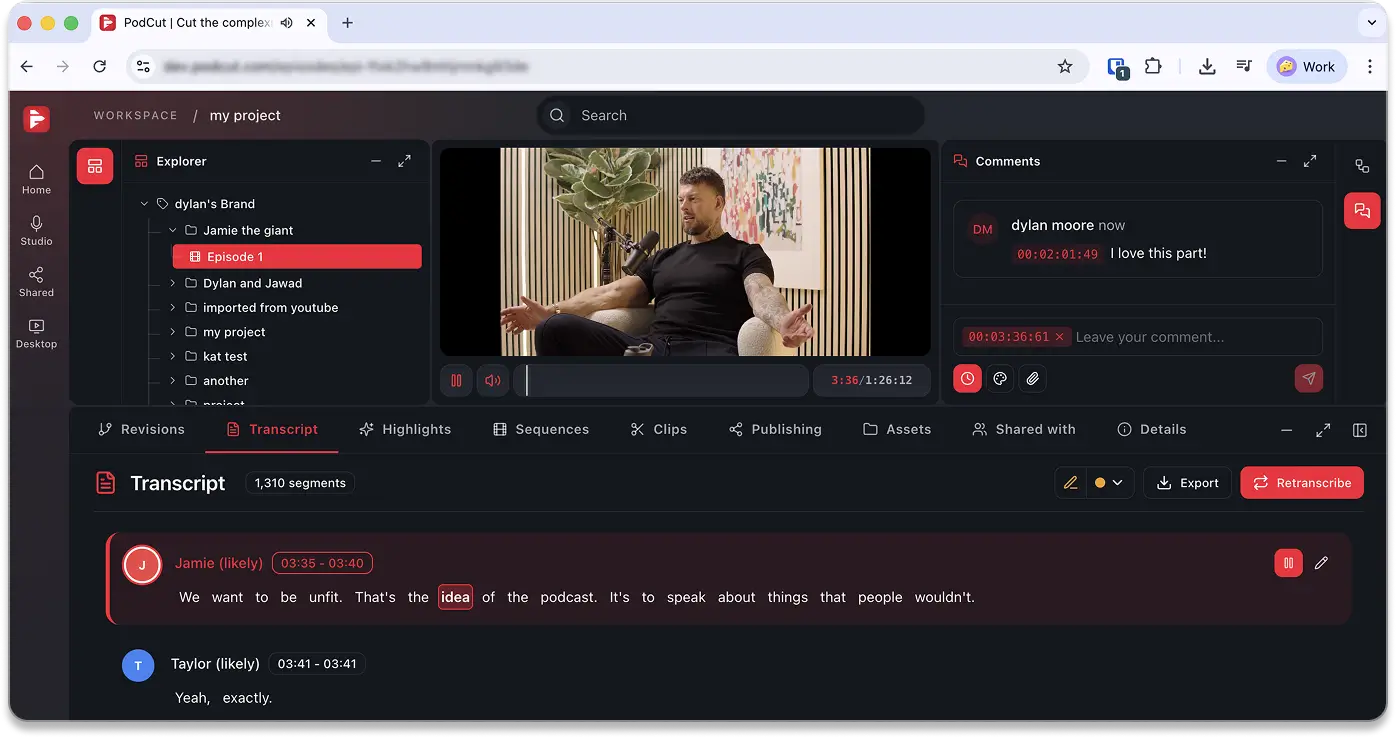
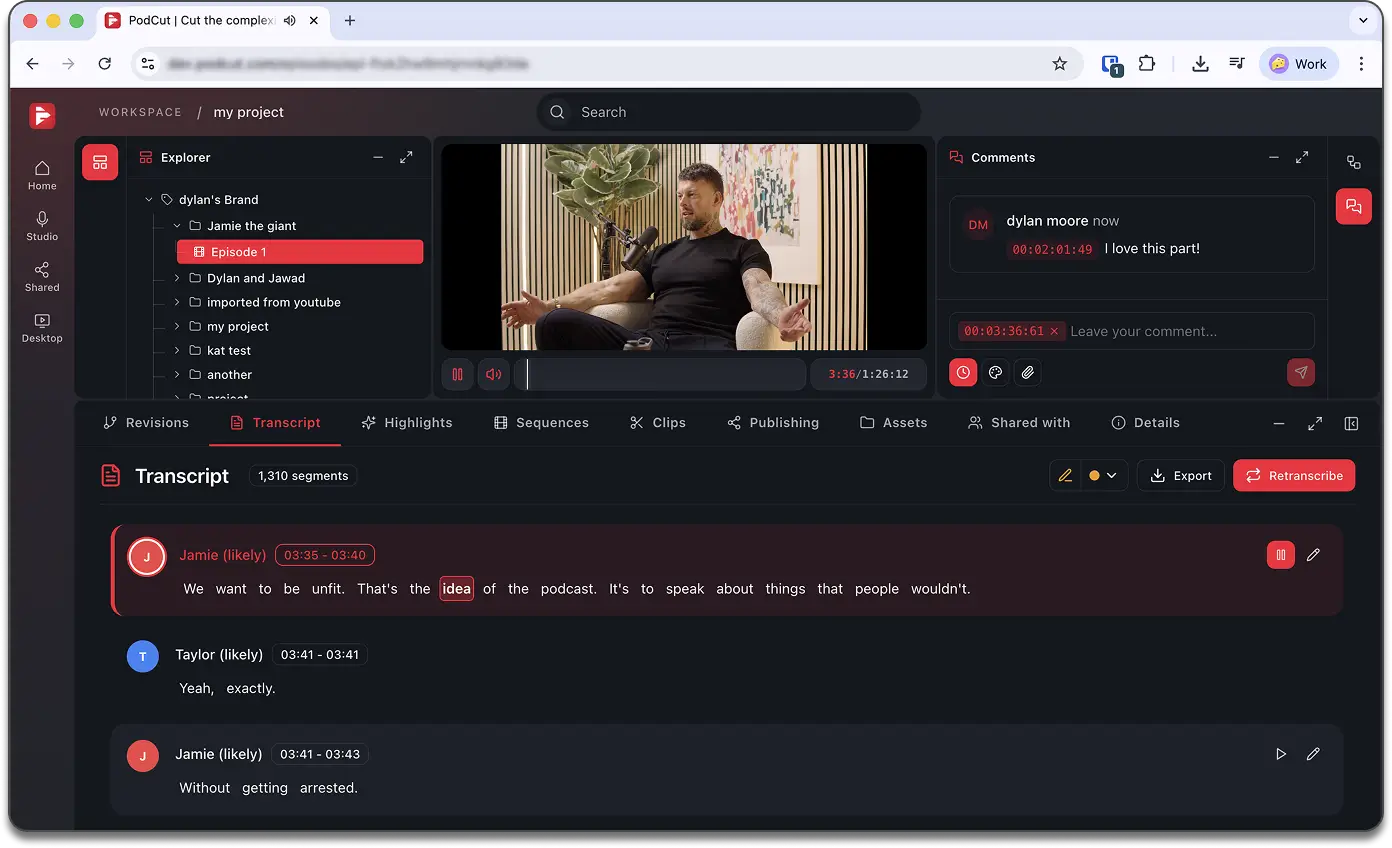
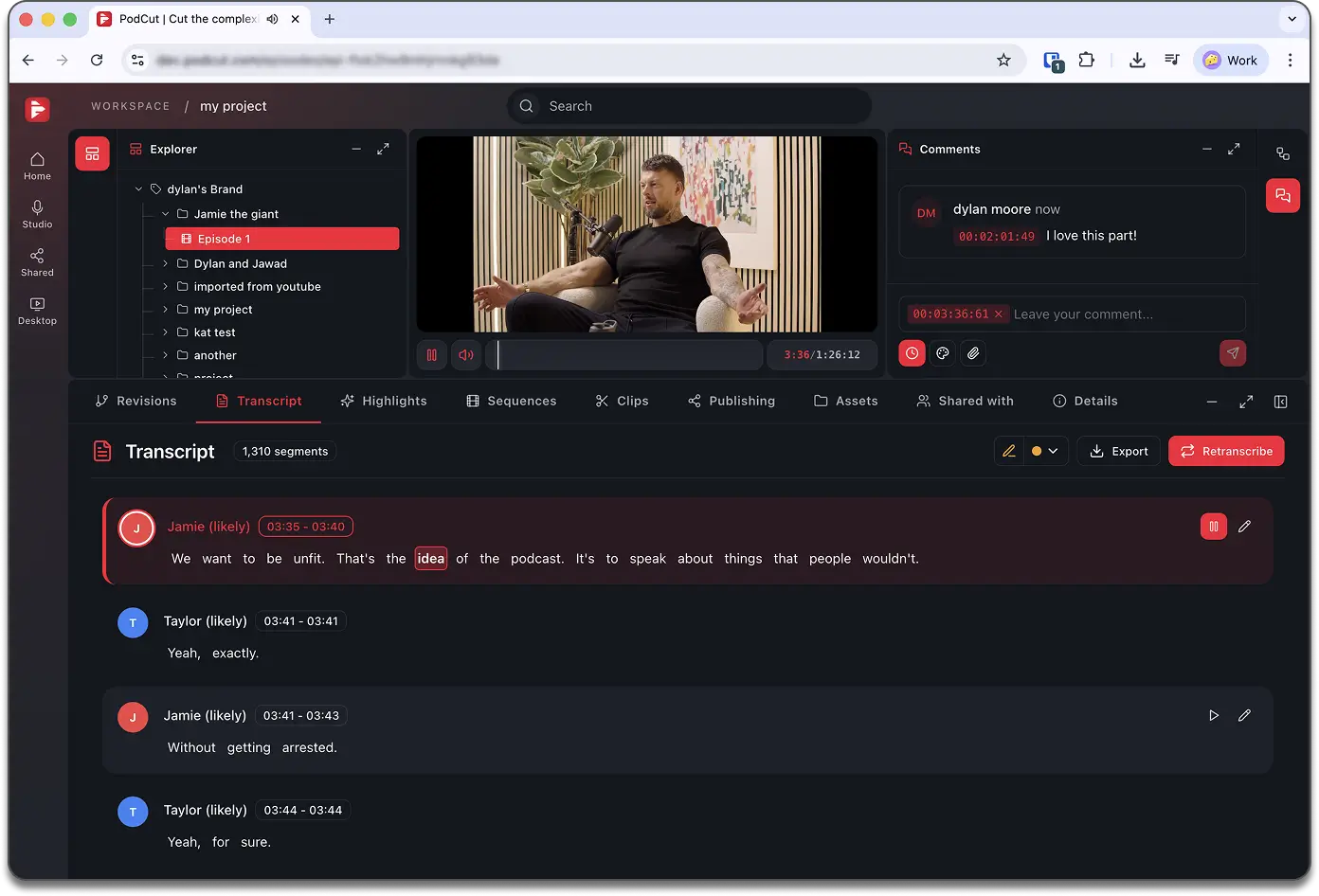
Clients leave timestamped comments, draw directly on frames, and formally approve or request changes—all tracked with a full audit trail.
03 | Transcription
Word-level transcription. Client-ready in minutes.
Speaker diarisation, live playback sync, inline editing, and brand vocabulary enforcement per client.
04 | ai clip assistant
Find the gold without watching the tape.
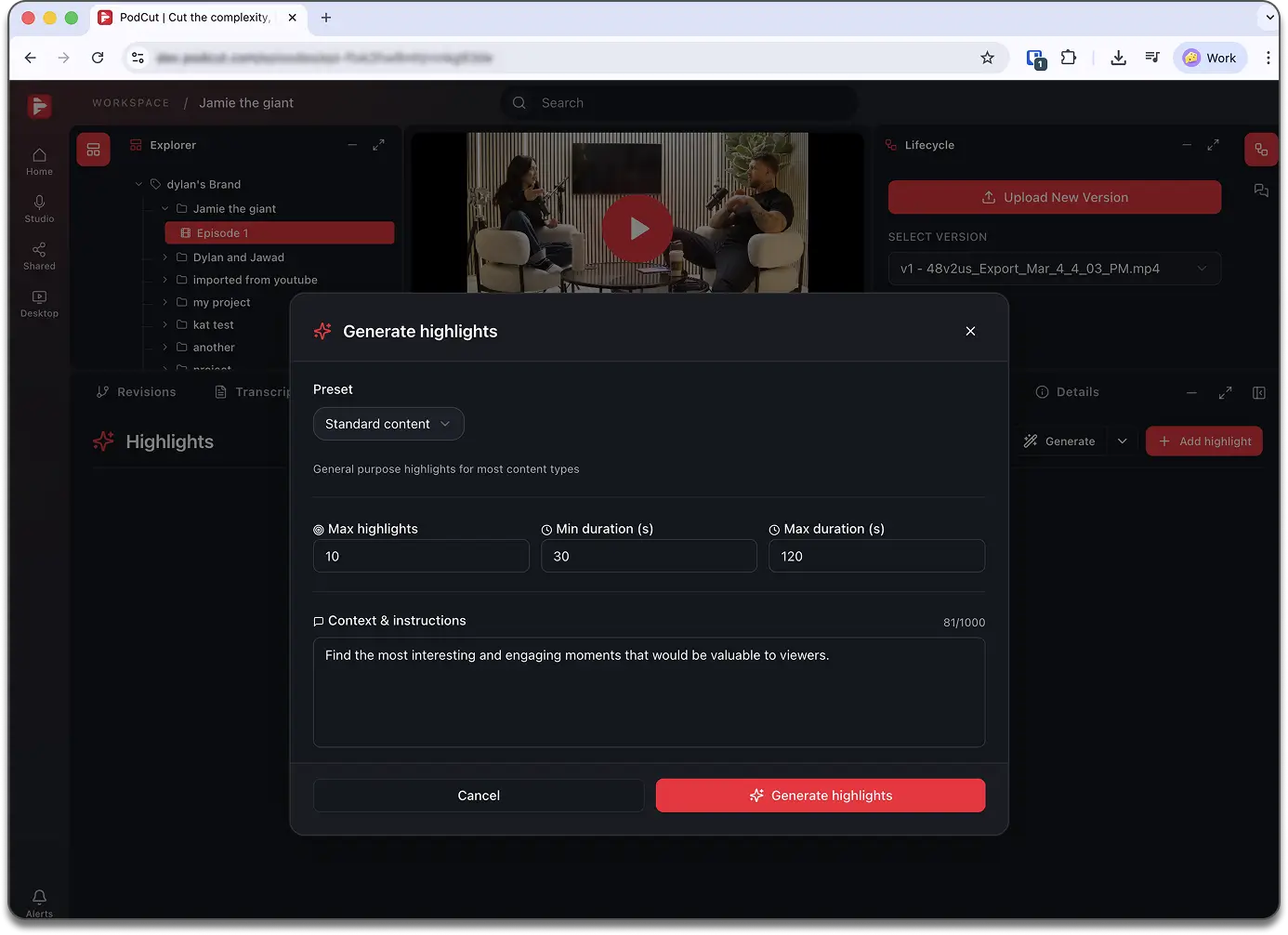
AI surfaces the best moments ranked by priority. One click from highlight to social clip.
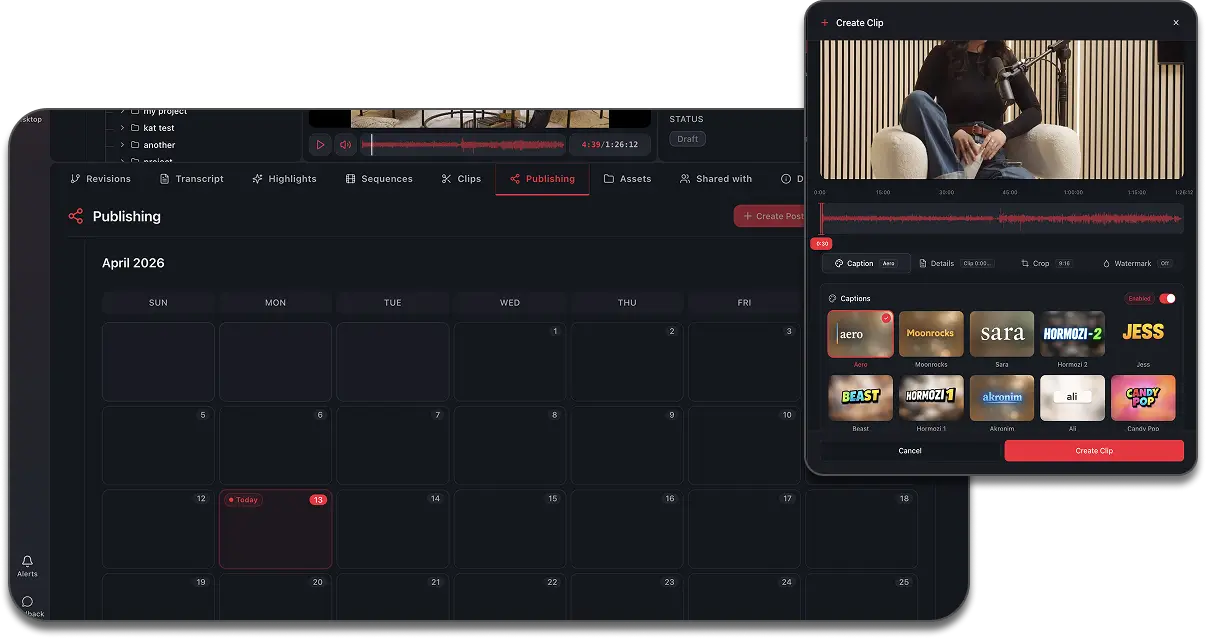
05 | social media scheduling
Clip factory. Social-ready in minutes.
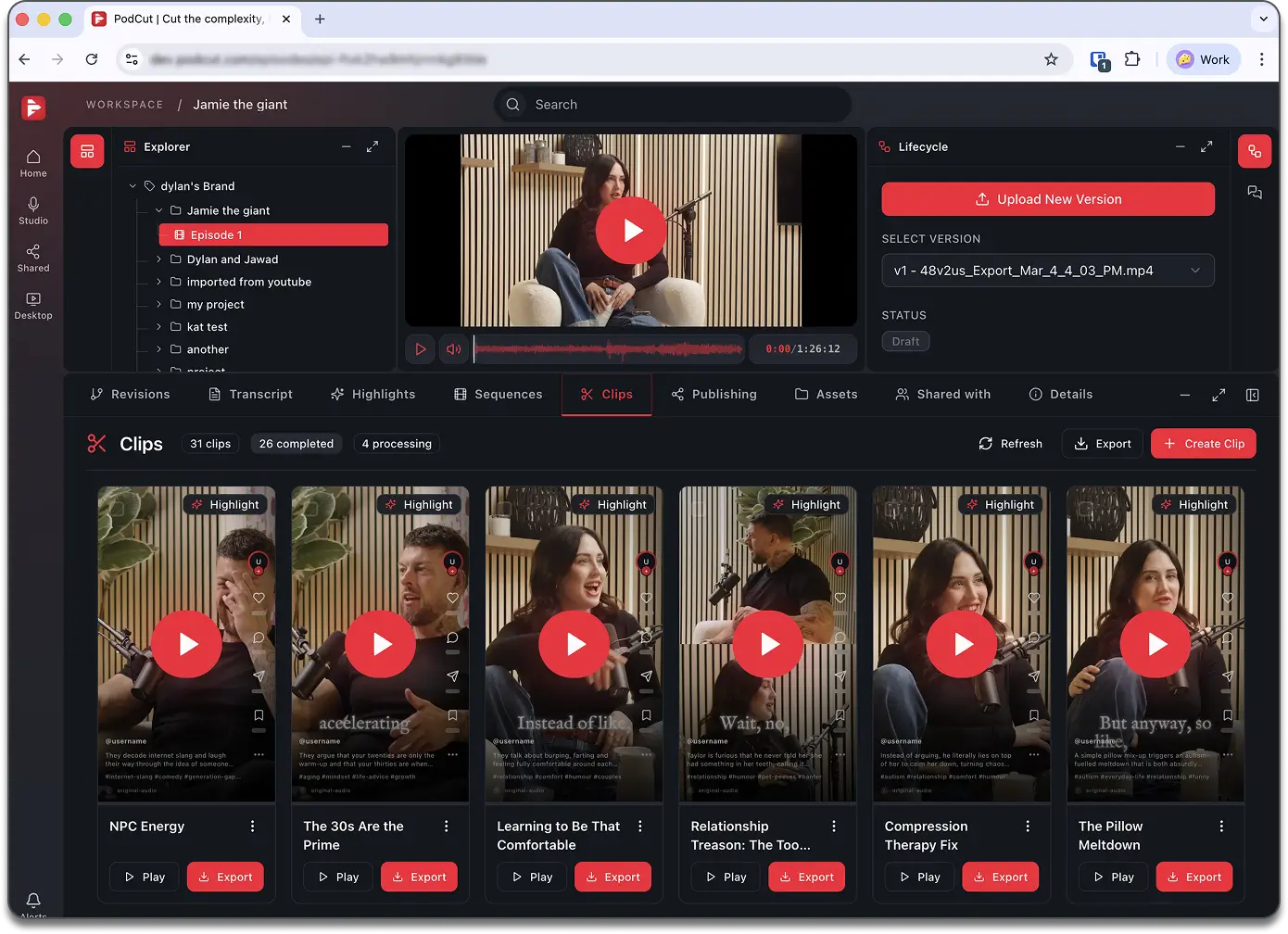
Automatically turn highlights into social-ready clips with captions. Edit, format, and publish directly to your social channels through the built-in scheduling platform—all in minutes.
who it’s for
Built for every role in your agency.
Agency Owner
Paint point
No single view across all client productions.
Command center features:
Multi-studio support
Episode status dashboard
Usage & capacity dashboard
Role-based access
Audit trail
Account Manager
Paint point
Feedback via email loses context and slips release dates.
Client management tools:
Client Review Portal
Timestamped video comments
Drawing annotations
Episode versioning
Status audit trail
Post-Production Lead
Paint point
Multicam sync and rough cuts eat hours that should go to polish.
Editing workflow tools:
Premiere Pro extension
FCPXML/EDL export
Audio effects pipeline
Brand vocabulary
Episode versioning
Social Media Manager
Paint point
Bottlenecked waiting on editors. Ten social calendars, zero visibility.
Content distribution tools:
AI Highlight detection
Transcript highlight pen
Clip factory
Multi-brand calendar
Direct publish
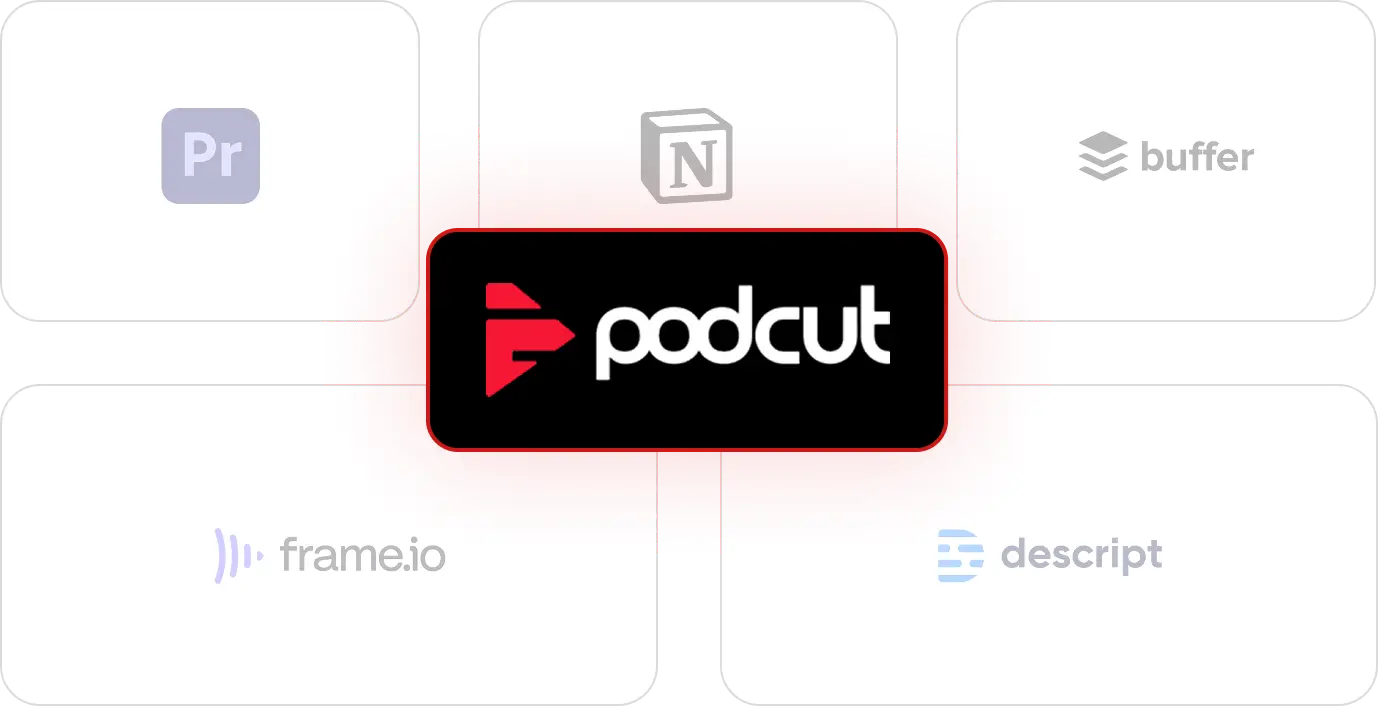
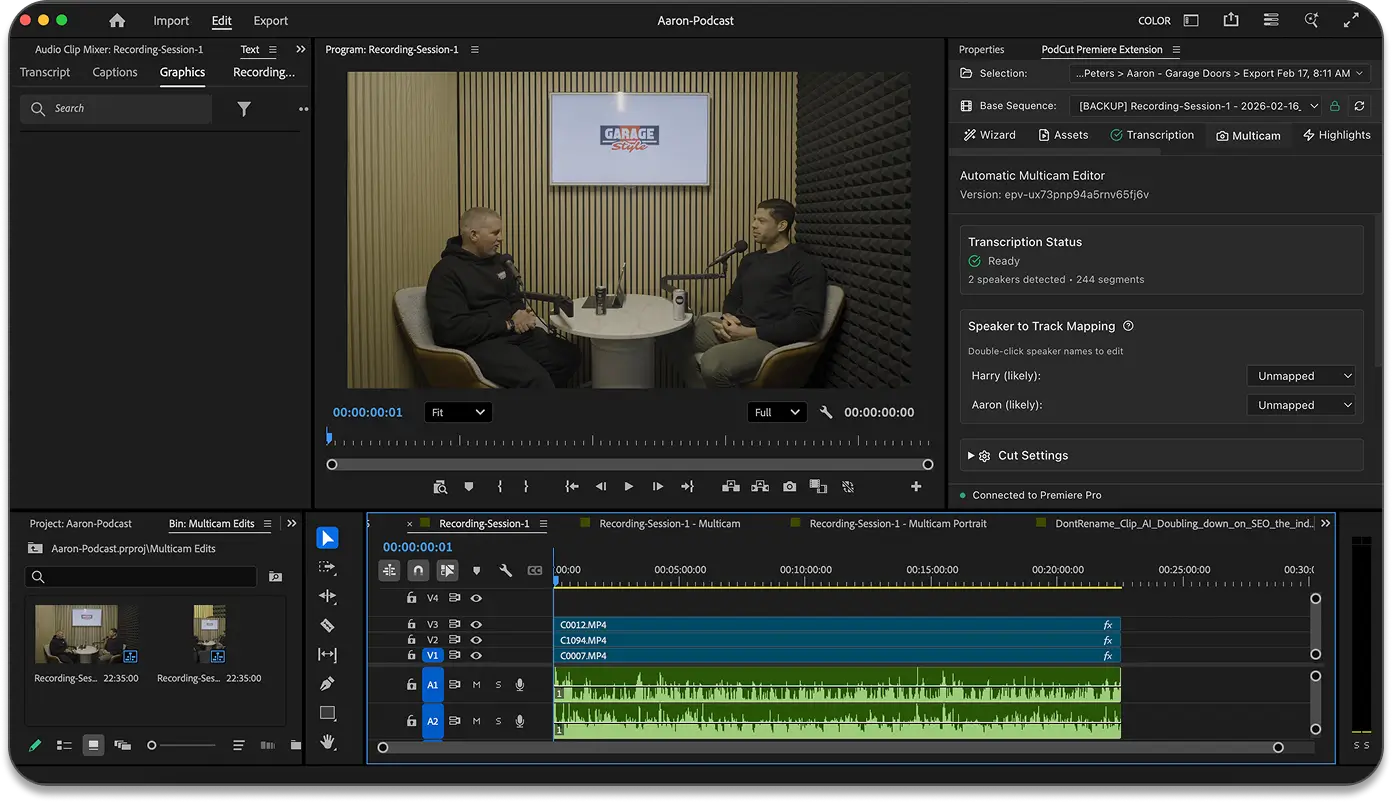
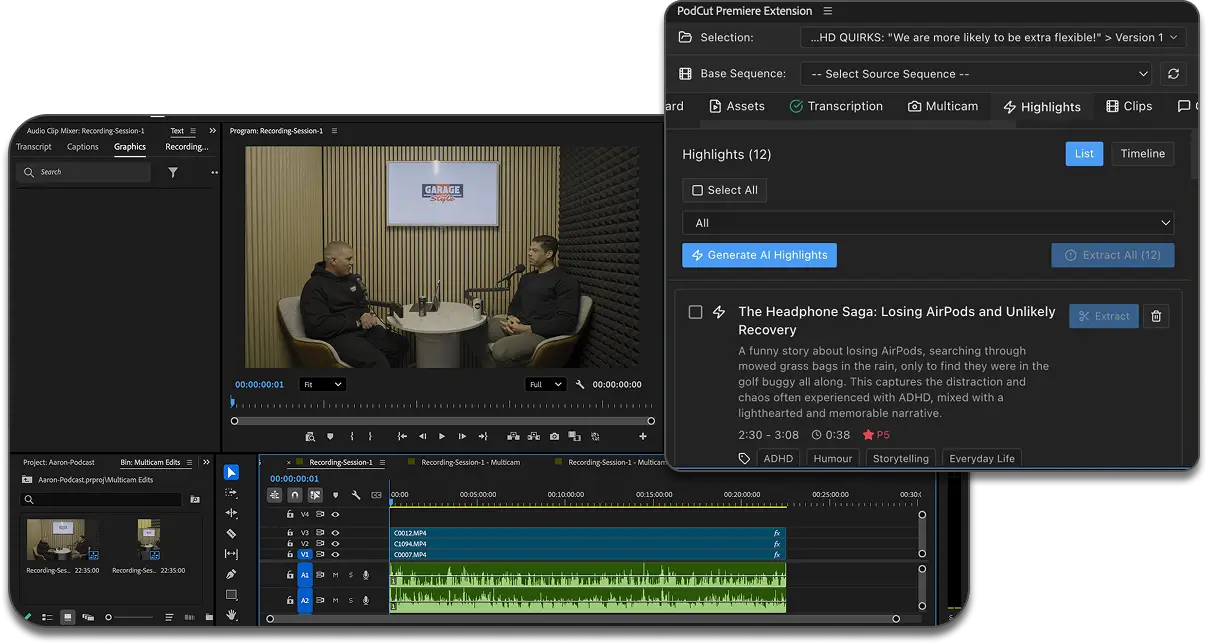
Works inside Premiere Pro.
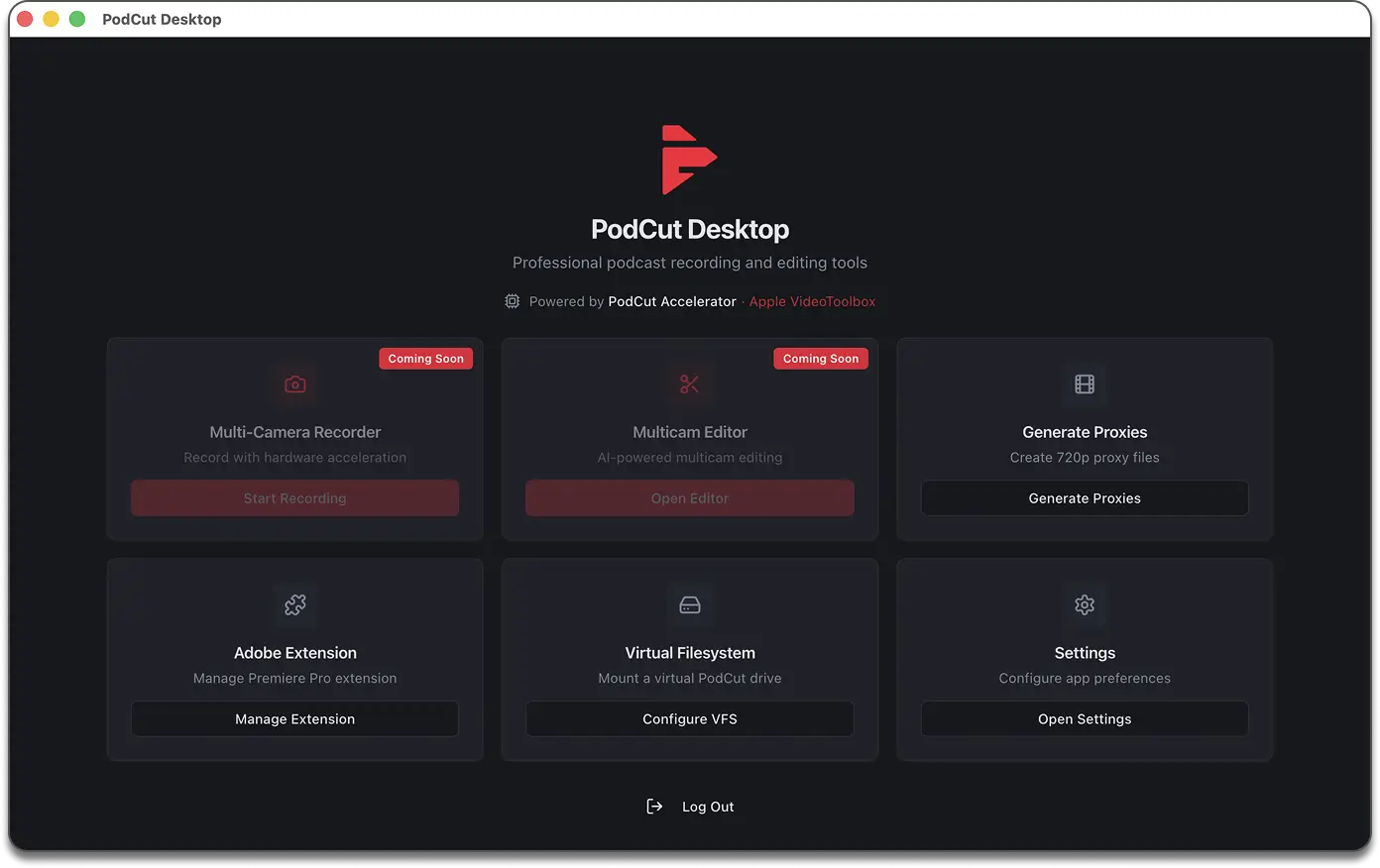
Use the PodCut extension directly in Adobe Premiere Pro. Edit, export, and upload back—without switching apps.
Everything you need to know about using PodCut, from setup to security. Still curious? Drop us a message and we'll get right back to you.
How quickly can I get started?
You can start using PodCut right after signup. Onboarding takes under 30 minutes; you'll be processing content within the hour.
How does PodCut automate my workflow?
PodCut processes your footage, finds key moments, handles editing, creates clips, and repurposes for multiple platforms. Upload and PodCut handles the rest.
How does PodCut learn my style?
Every piece of content you process makes PodCut smarter. It learns your editing style, brand, and preferences so results improve over time.
Is my content secure?
Yes. Enterprise-grade encryption, SOC 2 certified, GDPR and CCPA compliant. You keep full control and can delete your content anytime.
Where is PodCut available?
Premiere Pro extension, desktop app, iPad, and web. Works across all your devices.
Your agency's production stack, unified.
Join 1,000+ producers, editors, and agency owners already on the waitlist. Early access is opening soon.